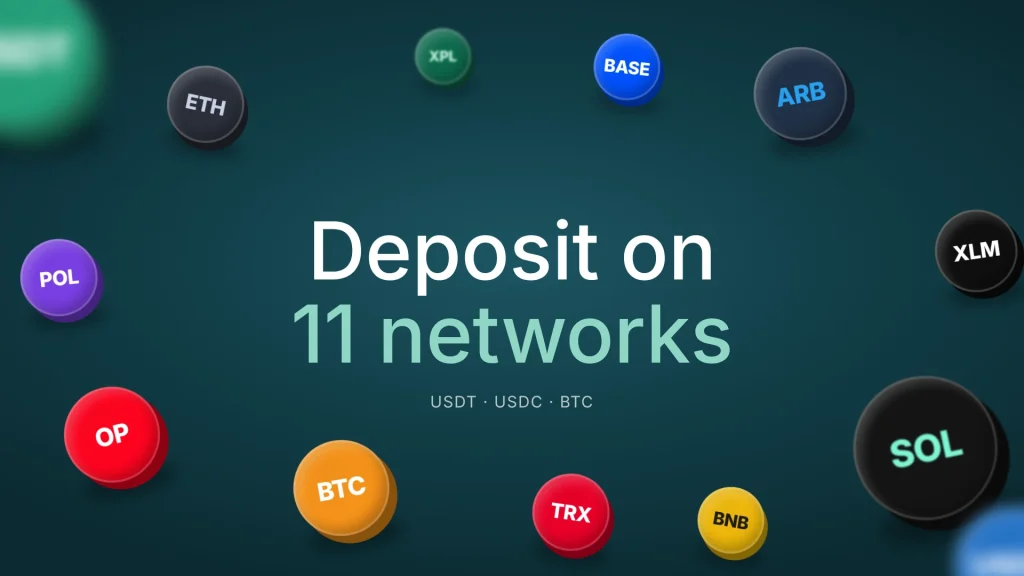
You can deposit USDT, USDC, and Bitcoin to your EverTry wallet on 11 networks: Arbitrum, Base, Bitcoin, BNB Smart Chain, Ethereum, Optimism, Plasma, Polygon, Solana, Stellar, and Tron. Which coins you can send depends on the network, so check the table before you send.
Once your deposit arrives, you can use it to fund your EverTry virtual dollar card, pay for an eSIM, or keep it in your wallet.
Supported networks at a glance
| Network | Also called | USDT | USDC | BTC |
|---|---|---|---|---|
| Tron | TRC-20 | Yes | No | No |
| BNB Smart Chain | BSC, BEP-20 | Yes | Yes | No |
| Polygon | Polygon PoS | Yes | Yes | No |
| Solana | SPL | Yes | Yes | No |
| Ethereum | ERC-20 | Yes | Yes | No |
| Arbitrum | Arbitrum One | Yes | Yes | No |
| Optimism | OP Mainnet | Yes | Yes | No |
| Base | Base | No | Yes | No |
| Stellar | XLM network | No | Yes | No |
| Plasma | Plasma | Yes | No | No |
| Bitcoin | BTC network | No | No | Yes |
In short:
- USDT: Tron, BNB Smart Chain, Polygon, Solana, Ethereum, Arbitrum, Optimism and Plasma (8 networks)
- USDC: BNB Smart Chain, Polygon, Solana, Ethereum, Arbitrum, Optimism, Base and Stellar (8 networks)
- Bitcoin: the Bitcoin network only
Two that catch people out:
- Base takes USDC only. Don’t send USDT on Base.
- Tron and Plasma take USDT only. Don’t send USDC on Tron or Plasma.
How to deposit crypto to EverTry
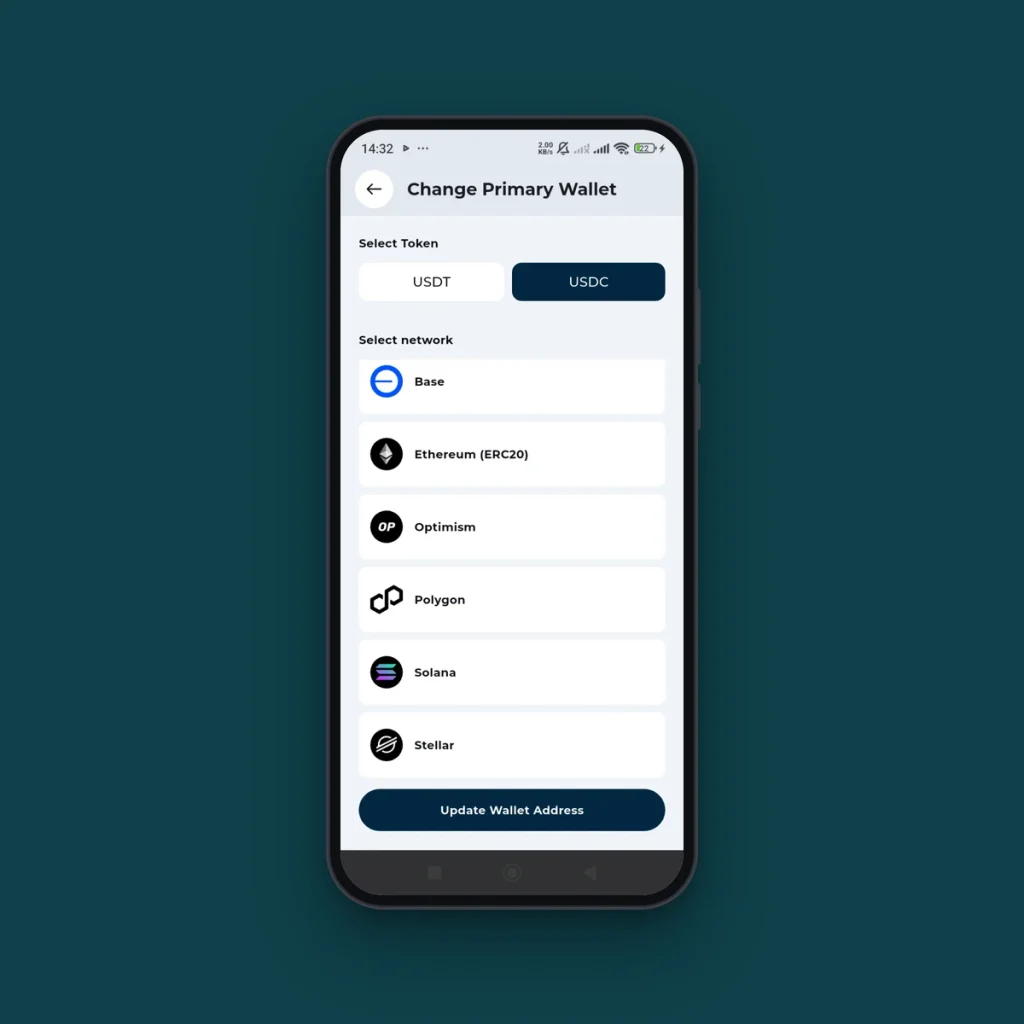
- Open the EverTry app and go to Wallet > Receive> Crypto.
- Choose the coin: USDT, USDC, or BTC.
- Choose the network. Pick the same network your exchange or wallet will send on.
- Copy the deposit address, or scan the QR code.
- In your exchange or wallet, paste the address, select the same network, enter the amount and send.
- Your balance updates once the network confirms the transfer. [Confirm typical timing and any minimum deposit.]
Which network should I use?
Use the network your exchange or wallet supports for that coin, and compare the withdrawal fee it shows before you send. As a general guide:
- Lower fees, usually fast: Tron, BNB Smart Chain, Polygon, Solana, Arbitrum, Optimism, Base and Plasma.
- Usually higher fees: Ethereum and Bitcoin, especially when those networks are busy.
- Sending from an exchange? Many exchanges list USDT on Tron (TRC-20) and BNB Smart Chain (BEP-20) by default. Both work with EverTry.
- Moving USDC from a US-based app or wallet? Base, Solana, Ethereum, and Stellar are common choices, and all four work with EverTry.
Fees are set by the network and your exchange or wallet, not by EverTry, and they change with demand.
Before you send: avoid lost deposits
- Match the network on both sides. If you choose USDT on Tron in EverTry, send USDT on Tron from your exchange. Sending on a different network can mean the funds don’t arrive and may not be recoverable.
- Send only the coin shown for that address. A USDT address takes USDT. Don’t send ETH, BNB, SOL, TRX, or other tokens to it.
- Copy the address; don’t type it. Then check the first and last few characters before you confirm.
- Try a small amount first if it’s your first time using a network.
- Stellar: [confirm whether a memo is needed; if yes, explain where to find it].
Frequently asked questions
Which networks does EverTry support for crypto deposits?
EverTry supports deposits on 11 networks: Arbitrum, Base, Bitcoin, BNB Smart Chain, Ethereum, Optimism, Plasma, Polygon, Solana, Stellar, and Tron. You can send USDT on 8 of them, USDC on 8, and Bitcoin on the Bitcoin network. Check the table above for which coin works on which network before you send.
Which network should I use to send USDT to EverTry?
You can send USDT on Tron (TRC-20), BNB Smart Chain (BEP-20), Polygon, Solana, Ethereum, Arbitrum, Optimism, or Plasma. Pick one your exchange supports, compare the withdrawal fees, and select the same network in EverTry and on your exchange. Tron, BNB Smart Chain, Polygon, and Solana usually cost less than Ethereum.
Can I send USDT on Base?
No. EverTry accepts USDC only on Base. To send USDT, use Tron, BNB Smart Chain, Polygon, Solana, Ethereum, Arbitrum, Optimism, or Plasma instead. Always check the coin and network shown on your EverTry deposit screen before sending, because a deposit on an unsupported combination may not arrive.
Can I send USDC on Tron?
No. EverTry accepts USDT only on Tron and on Plasma. For USDC, use BNB Smart Chain, Polygon, Solana, Ethereum, Arbitrum, Optimism, Base, or Stellar. Select the same network in EverTry and in the app you’re sending from, so your deposit reaches your EverTry wallet.
Can I deposit ETH, BNB, SOL or other coins?
EverTry accepts USDT, USDC, and Bitcoin deposits. Networks like Ethereum, BNB Smart Chain, and Solana have their own native coins, such as ETH, BNB, and SOL, but sending those to your USDT or USDC deposit address isn’t supported. Send only the coin shown on your deposit screen.
What happens if I send on the wrong network?
Your deposit may not arrive, and it may not be recoverable. That’s why the network you pick in EverTry must match the network you send on. If it happens, contact EverTry support straight away with the transaction ID, the coin, the network, and the amount.
How long does a crypto deposit take?
It depends on the network. Faster networks like Tron, Solana, Polygon, and BNB Smart Chain usually confirm within minutes, while Bitcoin and Ethereum can take longer when they’re busy. Your EverTry balance updates once the network confirms the transaction.
Is there a fee to deposit crypto to EverTry?
Your exchange or wallet usually charges a network or withdrawal fee to send crypto, and that fee varies by network. Check it on your exchange before you send, and choose a lower-fee network if you’re sending a small amount.
What can I do with crypto in my EverTry wallet?
You can fund your EverTry virtual dollar card to pay for global services in US dollars, buy a travel eSIM for 100+ countries with USDT, USDC, or Bitcoin, or keep the balance in your wallet. Funding your card turns your stablecoins into dollar spending wherever Visa or Mastercard is accepted online.
The fine print
- Your exchange or wallet may charge its own network fee to send.
- Crypto deposits are irreversible. Check the coin, network, and address before you send.
- EverTry is a fintech company, not a bank. Wallet balances are not bank deposits.
- Supported networks can change. This page is updated when they do.
Disclaimer
This page is for general information only. Supported networks, coins, fees, and processing times can change, so always check the deposit screen in the EverTry app before you send. Crypto transfers can’t be reversed, and funds sent on the wrong network or to the wrong address may not be recoverable. Network fees are set by the network and by the exchange or wallet you send from, not by EverTry. EverTry is a fintech company, not a bank, and wallet balances are not bank deposits. Network and token names and logos belong to their respective owners and are used only to show which networks EverTry supports.
The EverTry Editorial Team covers personal finance, fintech, payments, and cross-border money transfers. Drawing on our experience building payment products for a global audience, we work to make complex financial topics clear, practical, and accessible, helping individuals and businesses make informed decisions about managing and moving money.